
Deploy
Roll out the agent across your fleet.
One Go binary for Windows, Linux, and macOS. Push via Intune or MDM on Windows, .deb plus systemd on Linux, or LaunchDaemon on macOS. Standalone mode needs no account; managed mode enrolls with a tenant key.
- Windows MSI/exe wrapper · Intune Win32 app · registry key for tenant key and policy tag
- Linux .deb package · systemd service · /var/lib/clearscreen cache
- macOS LaunchDaemon · same Go binary as Windows and Linux
- DNS resolver 127.0.0.1:53 · system resolver set to loopback · restored on stop
- Upstream DoH to Cloudflare 1.1.1.1 · allowed queries cached locally
- Indicator bundle ed25519-signed gzip · pulled every 15 min · verified before trust
- Enrollment clearscreen enroll <key> → /v1/enroll → csk_ API key at 0600 permissions
- Service commands clearscreen install · start · status · stop · uninstall
How rollout works.
-
Package and assign in Intune
Deploy the MSI or Win32 app with a sample Intune configuration. MDM writes the tenant key and policy tag to a registry key or config file the agent reads on first run.
-
Agent enrolls and pulls policy
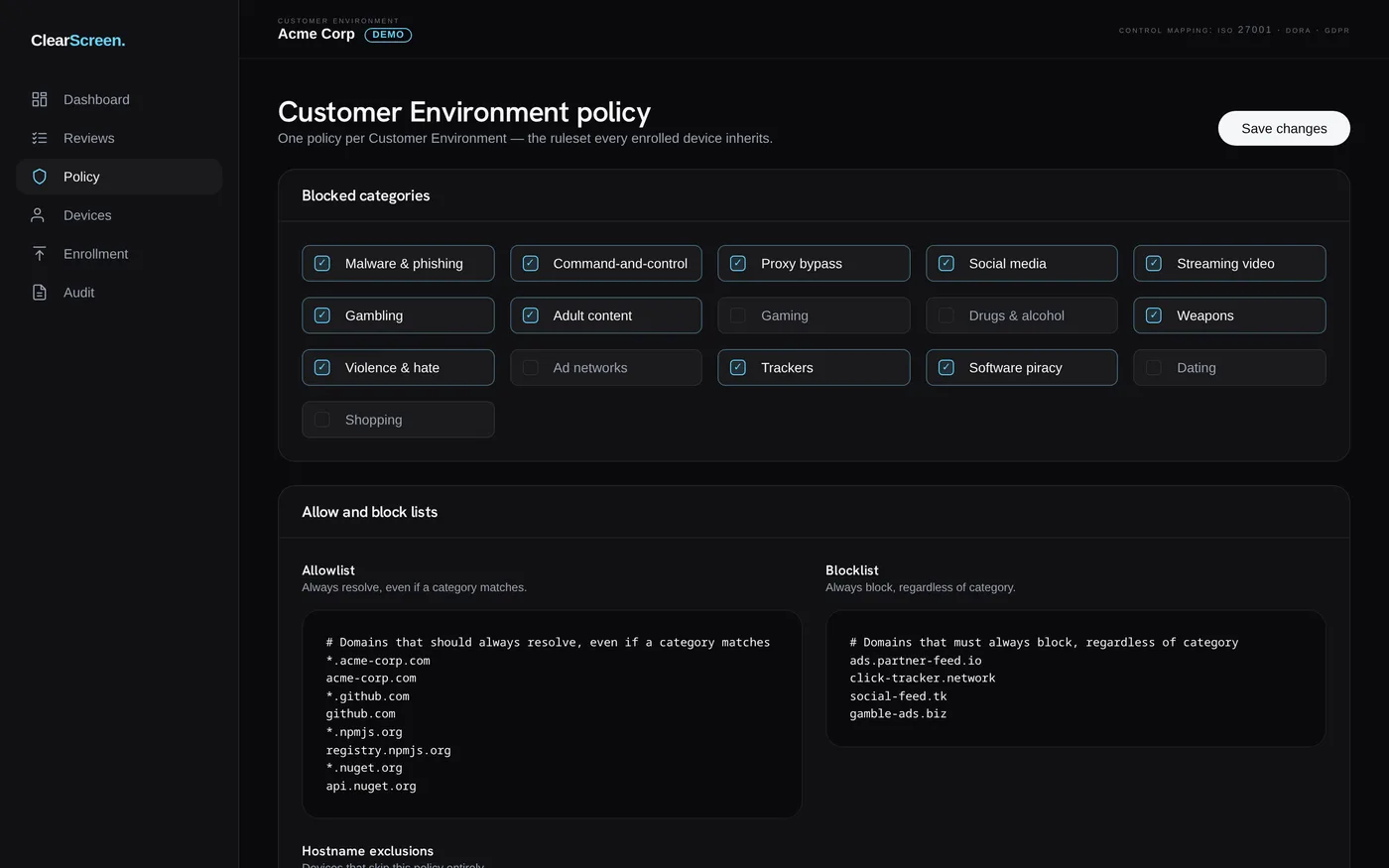
Run clearscreen enroll with your enrollment key. The agent exchanges it at /v1/enroll for a device-scoped API key and switches on central policy from /v1/policy.
-
DNS filtering goes live
The agent binds 127.0.0.1:53 and sets system DNS. Blocks appear on the local block page, in desktop toasts, and in the admin block feed at /v1/report.
What end users see when a page is blocked.
Blocked domains resolve to a local sinkhole. The block page shows the domain, UT1 category, source feed, and policy group. A desktop toast carries the reason — for example, phishing from OpenPhish, first seen 2h ago. Users can report a mistake from the block page; the request lands in the admin review queue with device context attached.
Ready to pilot on a small fleet?
Package the agent for Intune, enroll a handful of endpoints, and review blocks on device before a wider rollout.